Features
Everything you need to grow from App Store and Google Play search
asorocket covers the whole loop on both stores: find keywords, write metadata that covers them, publish it to App Store Connect or Google Play Console, and see what it did to your rankings.
Find keywords
What people search for, and which terms are worth your characters.
Keyword research
Score a term, see who ranks, and check up to 1,000 keywords in one background run.
Learn moreApple’s top search terms
Apple’s own weekly top searches per storefront and genre, with official popularity and movers.
Learn moreSeed keyword strategy
A seed keyword in, a scored keyword list and ready-to-test metadata out.
Learn moreWrite and publish
Metadata that covers your keywords, checked and sent to App Store Connect or Google Play Console.
Metadata lab
A live ASO score as you type, an automatic keyword field, and a pressure test before you ship.
Learn morePublish to App Store Connect
Push a checked draft into the version you’re preparing, after a careful review screen.
Learn moreLocalization planner
Find the empty keyword fields in the extra languages each storefront indexes, and fill them.
Learn moreTrack what happens
Rankings, competitors and downloads, and what changed around each release.
Keyword rank tracking
Daily positions for every keyword in the App Store’s top 200 and Google Play’s top 30, with changes and history.
Learn moreWhat changed and impact
Daily alerts, competitors’ listing changes, a visibility score, and the impact of each release.
Learn moreCompetitor tracking
Side-by-side keyword ranks, charts, ratings and reviews for the apps you compete with.
Learn moreApp Store Connect analytics
Impressions, page views, downloads and conversion for your apps, from Apple’s own reports.
Learn moreRevenue, installs and retention
What a ranking gain was worth: the money, the organic installs and the users who stayed.
Revenue from RevenueCat
Revenue, MRR, subscriptions and trials per app from RevenueCat, next to rankings and releases.
Learn moreRevenue from Adapty, Superwall and Stripe
Revenue, subscriptions and trials per app from Adapty, Superwall or Stripe, next to rankings.
Learn moreInstalls by source
Organic and paid installs from AppsFlyer or Adjust, by day and network.
Learn moreRetention from Firebase and GA4
Retention after install from Firebase or GA4, next to rankings and releases.
Learn moreWork with clients
Alerts and reports for people who never open the app, and one set of data on every computer.
Alerts in Slack, Teams and Discord
What changed, sent to Slack, Microsoft Teams, Discord or a webhook, filtered per app.
Learn moreClient reports
Scheduled PDF reports per client, under your own brand: rankings, visibility, changes and their impact.
Learn moreSync between computers
A Studio licence’s three computers share what you set up through your iCloud Drive or Dropbox folder.
Learn moreGoogle Play
Android apps tracked, measured, drafted and published next to your App Store apps.
Google Play apps
Daily keyword ranks, charts, ratings, installs and reviews for Google Play apps, in the same tables.
Learn morePublish to Google Play
Publish a draft’s texts to your Google Play listing and reply to recent reviews.
Learn moreGoogle Play Console statistics
Installs, store listing visitors and conversion for your Android apps, from Play Console’s reports.
Learn moreOne app, both stores
Link an app’s two versions to switch between them and compare them side by side.
Learn moreAds, reviews and assistants
Your Apple Ads next to organic search, review replies, and your data in Claude or Cursor.
Apple Ads next to organic
Spend, taps and installs per keyword next to your organic rank, both ways round.
Learn moreReview replies
Reply to App Store reviews with AI drafts, and see complaints grouped by topic.
Learn moreClaude, Cursor and MCP
29 ASO tools and 5 workflow prompts for Claude, Cursor, VS Code and Windsurf.
Learn moreAlso in every copy
The details that make a tool pleasant to use every day.
- Guided setup in about two minutes
- Daily refresh in the background
- Research that keeps going in the menu bar after you quit
- A sidebar you reorder, resize and collapse to icons
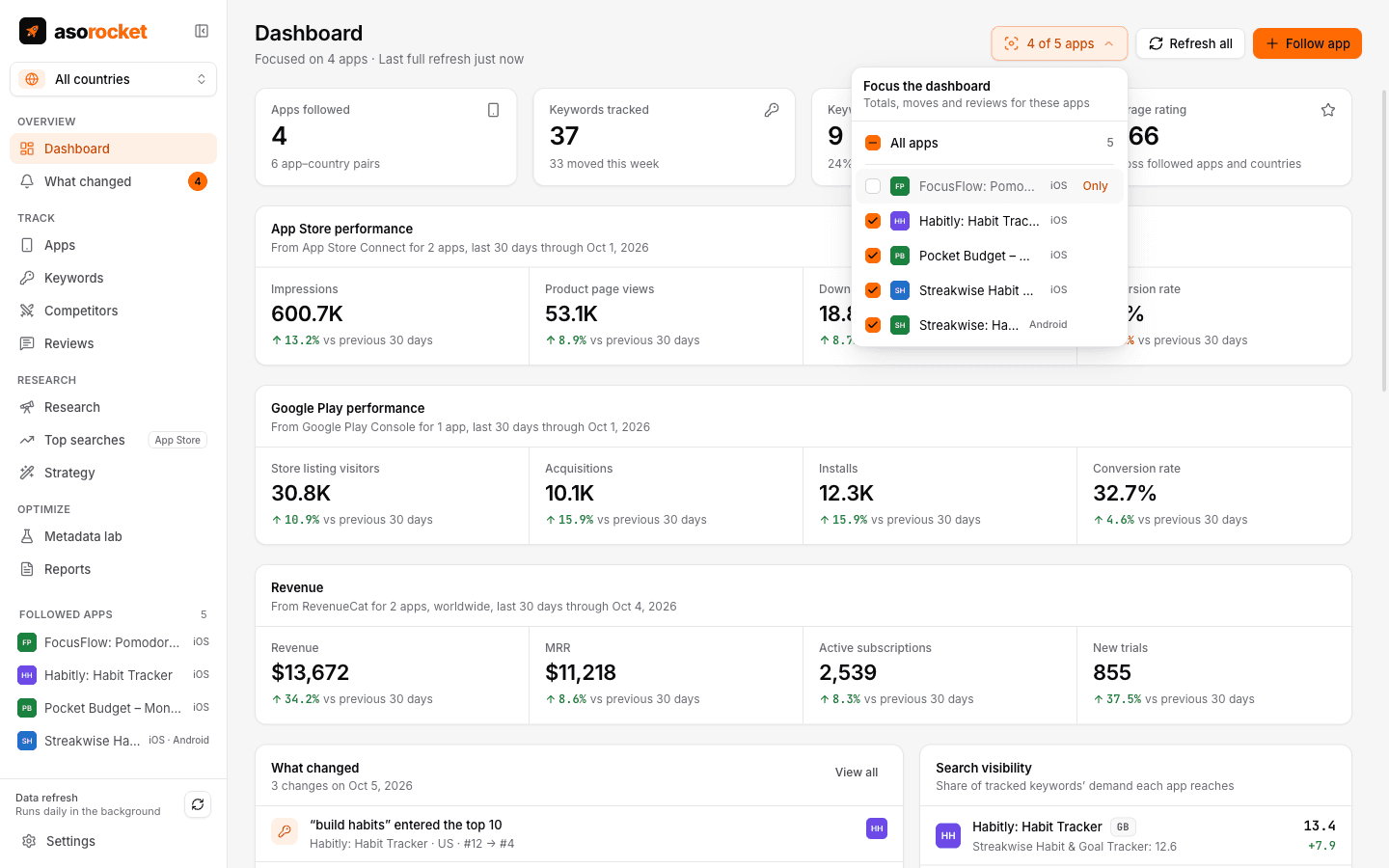
- A dashboard focused on the apps you choose
- Settings in tabs, with search
- Tables with sorting, filters and CSV export
- Ratings, versions and price history
- Light and dark themes
- Automatic updates
Start with your own app, today
Download asorocket, pick your markets and find your app. You will be tracking your first keywords in about two minutes.
macOS · Windows · Linux