Download
Download asorocket
Free to start, no account needed. The first version is being finished now, and downloads for every system open here as soon as it ships.
Coming soon for macOS, Windows and Linux
macOS
Apple silicon and Intel Macs
Windows
Windows 10 and 11, 64-bit
Linux
64-bit, most distributions
Up and running in two minutes
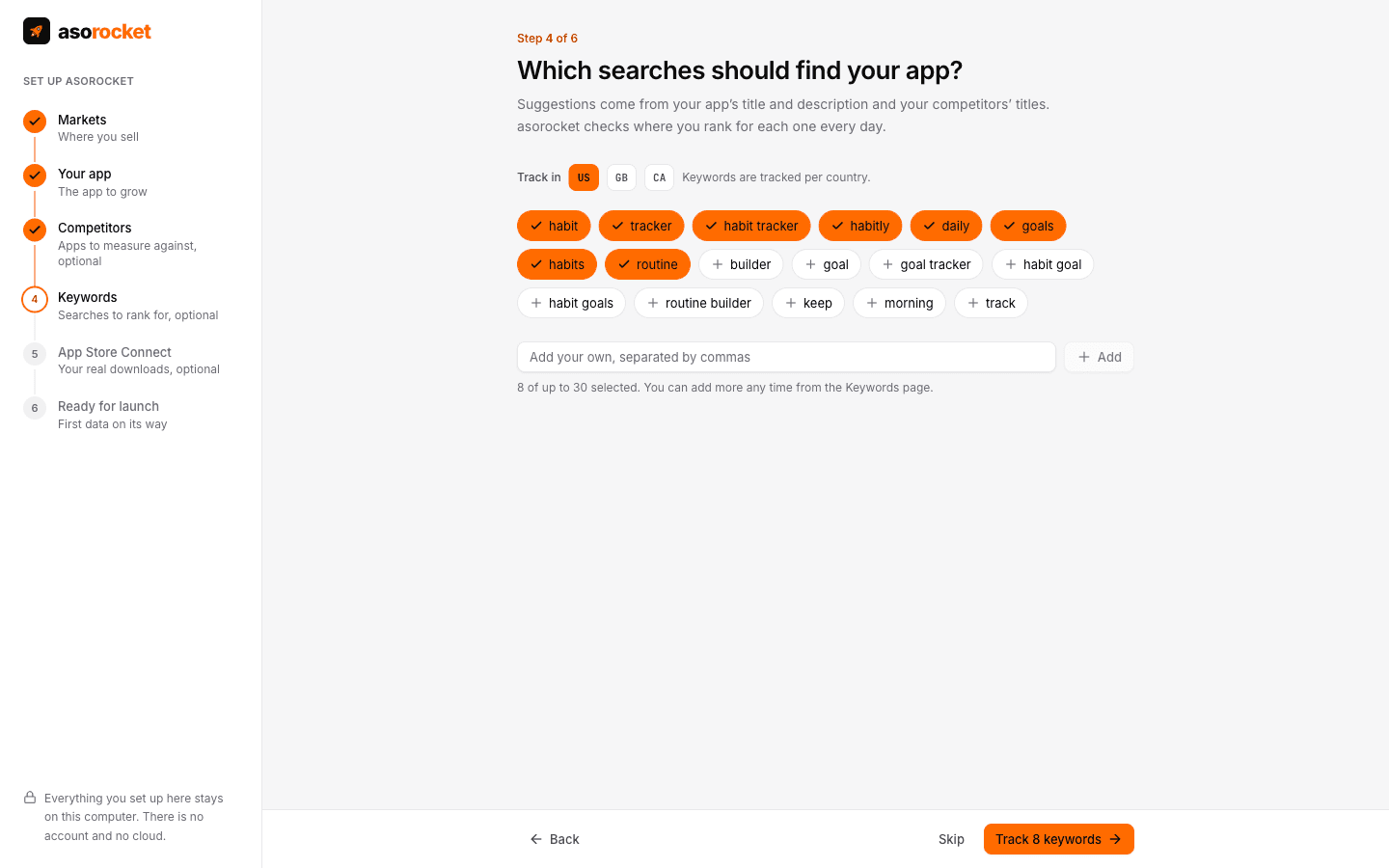
The guided setup asks for your markets, finds your app, suggests competitors from the apps that rank for your main search, and starts tracking suggested keywords.
Installing and updating
Do I need an account?
No. Open the app and the guided setup asks for your markets, your app and a few competitors. That’s it.
How do I update?
asorocket updates itself: it downloads new versions in the background and offers a restart. You can also check from the app menu or Settings › Updates & about.
Which Mac download do I need?
Apple silicon for Macs with an M-series chip; Intel for older Macs. On your Mac, Apple menu › About This Mac shows which one you have.
Where are older versions and release notes?
Every version and its notes are on the releases page.